Breaking Communication Barriers
for Inclusive Classrooms
Bridging Communication, Empowering Inclusive Learning. SignBridge AI integrates live transcription with real-time gesture recognition to ensure every student is heard and understood.
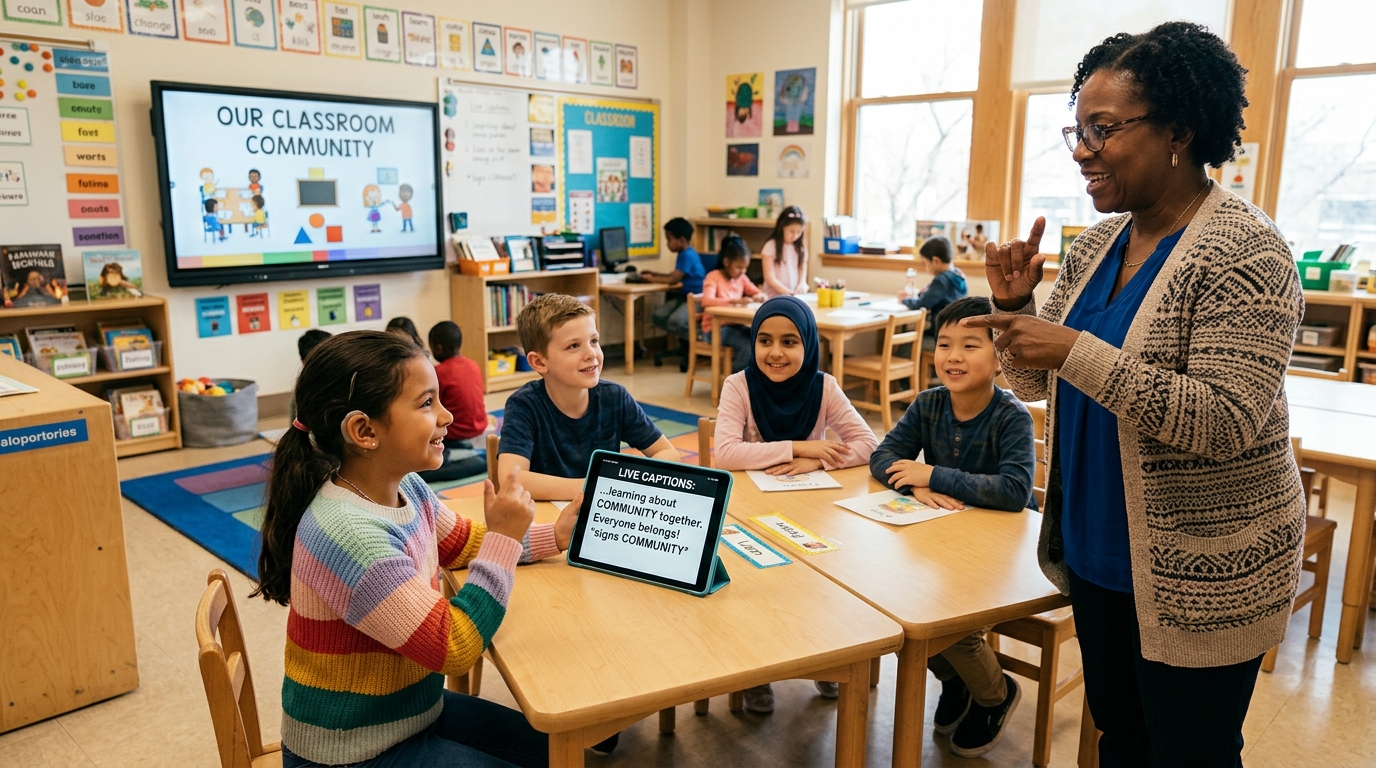
Gesture Detected
🙋♂️ "Raise Hand" (99.4%)
Empowering Education Without Boundaries
Combining Computer Vision and Speech Recognition so deaf, hard-of-hearing, and hearing students thrive together in one classroom.
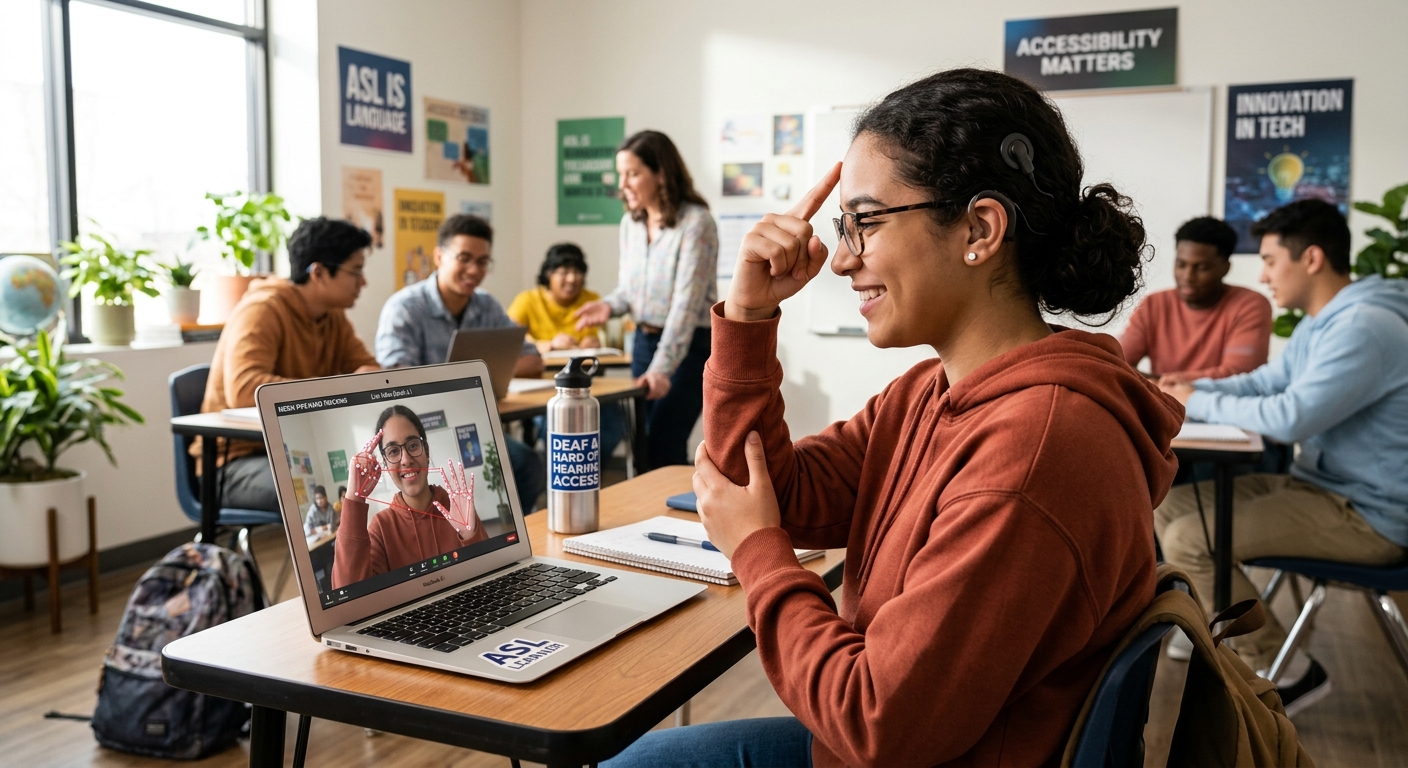
Real-Time Gesture Translation
Students use natural hand gestures in front of their webcam. SignBridge instantly translates signed signals into classroom alerts for the teacher in real-time.
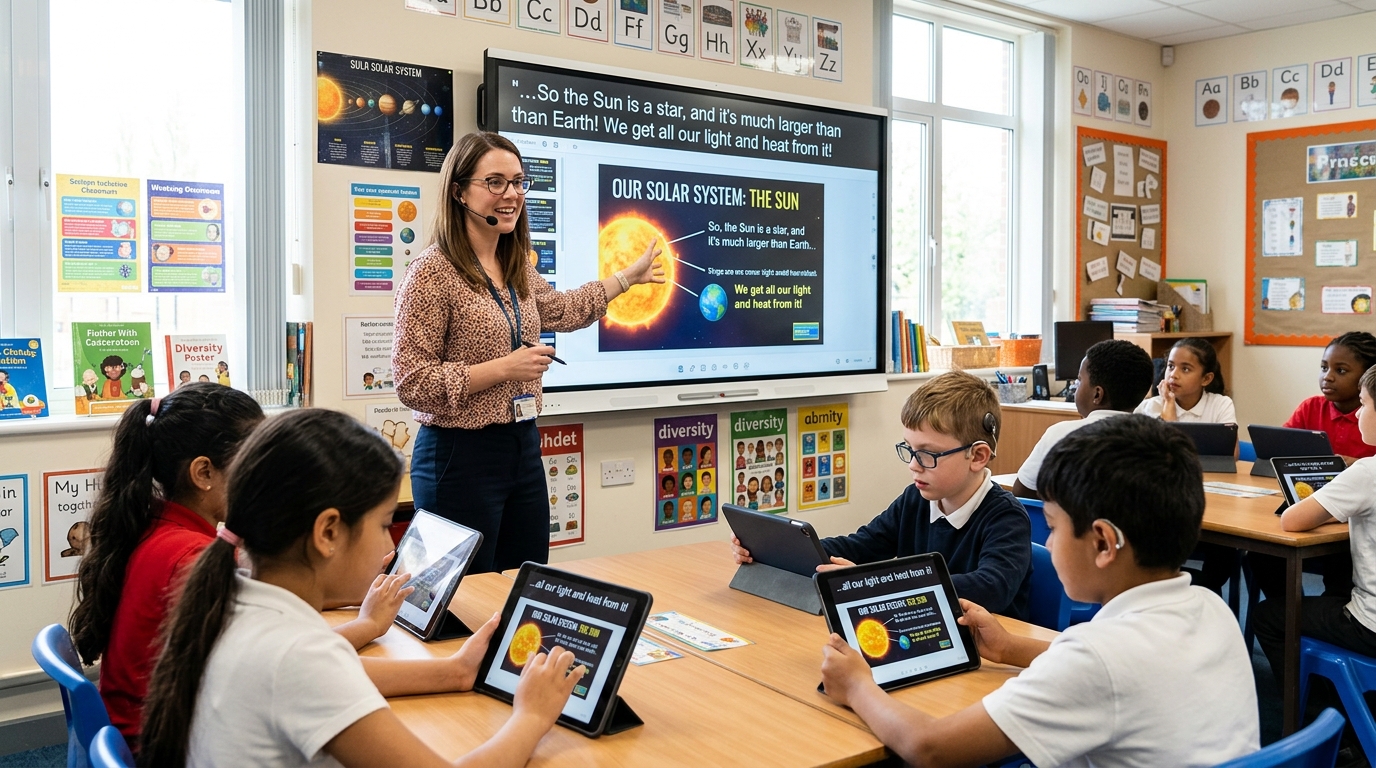
Instant Captions & AI Summaries
Speech from teachers is transcribed on the fly and broadcasted to connected student screens, followed by automatic AI-generated lesson summaries.
Core Features
Designed specifically to bridge the communication gap between educators and students in inclusive environments.
Live Caption
Real-time transcription of the teacher's voice, instantly displayed on the student's dashboard for seamless reading.
Gesture Communication
Students can express their needs through intuitive hand gestures that are instantly recognized and translated for the teacher.
AI Lesson Summary
Automatically generate concise, structured notes and summaries of the class session to aid post-class revision.
How It Works
A seamless loop of communication.
Teacher speaks
Educator delivers the lesson normally using their microphone.
Subtitle generated
Voice is instantly converted into readable captions on the student's screen.
Student performs gesture
Student uses webcam to sign commands like "Raise Hand" or "Speak Slower".
Teacher responds
The system notifies the teacher of the student's need in real-time.
AI generates lesson summary
Post-session, the AI compiles all transcriptions into beautifully formatted study notes.
Supported Gestures
Our vision model currently identifies 15 distinct classroom commands.